


I’ve written about the License Usage Summary report before as this is a key part of performing any license assessment within the User Security Governance functionality in D365FSC.
One license report feature that was removed / deprecated in a previous version was the license reporting on the ‘View Permissions’ report at the object level. This reporting appear to have been re-added within the License Usage Summary reporting. Let’s take a look!
Prerequisites
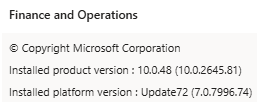
- I first noticed this report becoming available in 10.0.48 (this may be available or back ported to earlier versions but this was the first version I noticed it in):
- Need to enable the ‘User Security Governance Security Object License View’, this was initially disabled (the yellow status icon with the exclamation point):

- After enabling this feature, the status turns to a green check mark:

Security Object Licenses Report
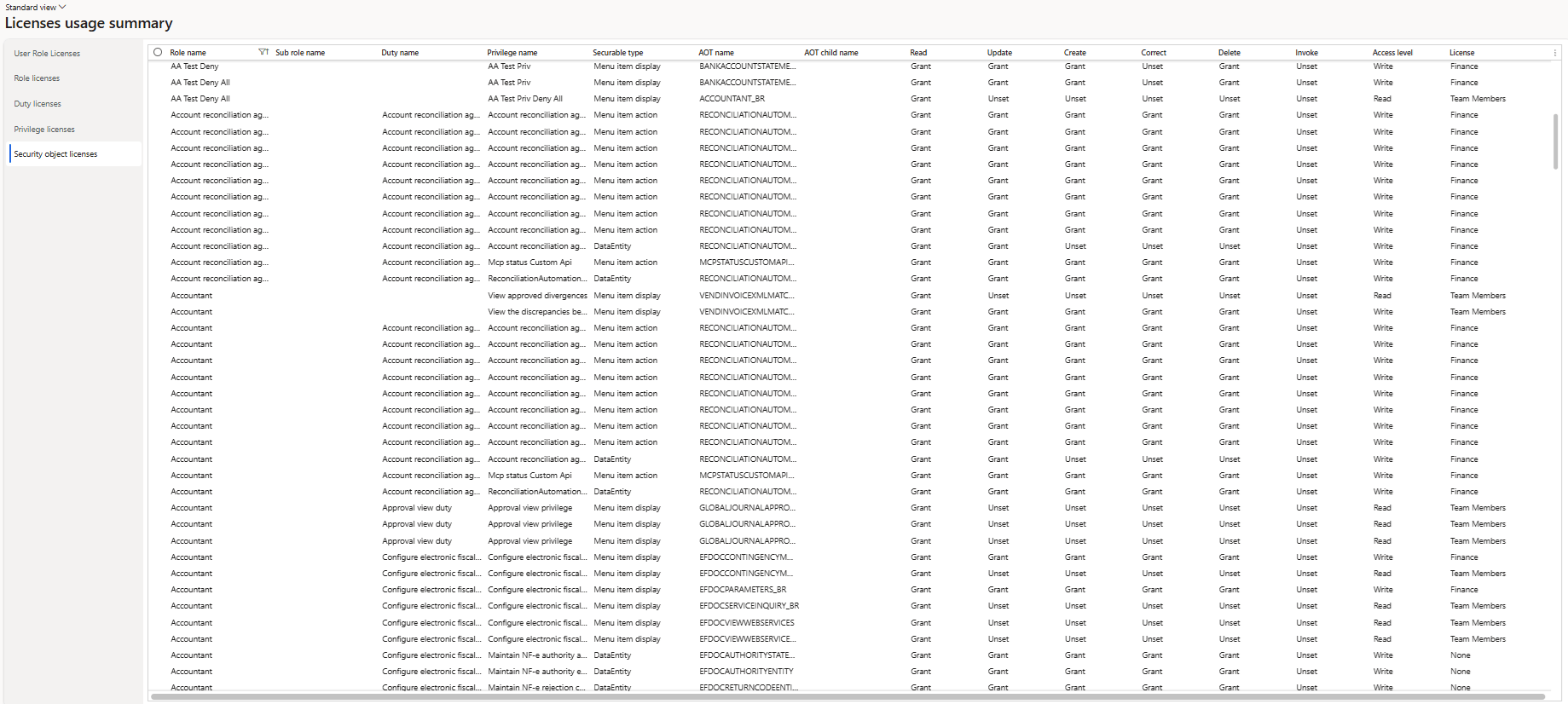
After reviewing the report, this is essentially a remake of the legacy ‘View Permissions’ with the license information built in as it shows Role -> Duty -> Privilege -> Object -> Access -> License:
One Thing to Note
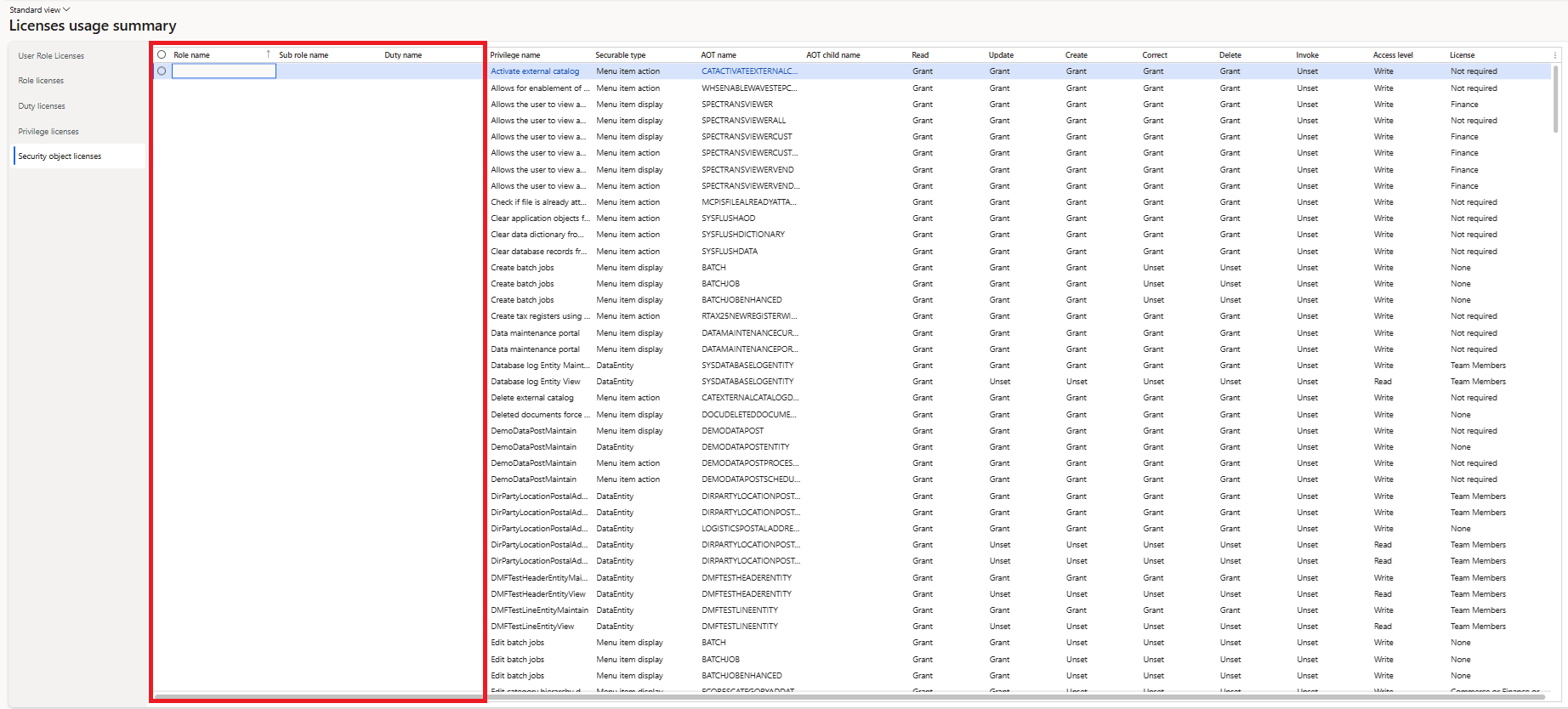
When I first ran this report I thought I had something broken as the Role and Duty columns were blank, after some digging I found that this report shows all Roles, Duties, and Privileges individually with the objects assigned and the license required:
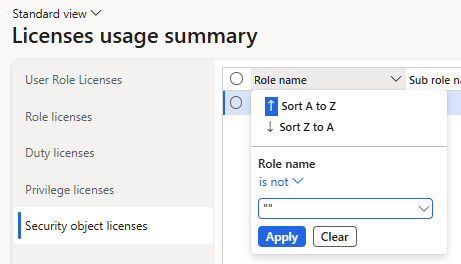
If you want to view this from a role or duty perspective, you can filter the column using the ‘Is Not’ filter type and putting in two double quotes (“”). Essentially this filters the column to not show any rows where the contents are blank / empty:
Conclusion
Really happy to see this reporting being added back as it is crucial to performing license remediation and analysis.